Built for IT Leaders
You need governance you can evidence and controls you can explain.
IT leaders can use a structured risk register with change history, access controls, and governance-oriented reporting for delivery teams.
Enquire about KinetiRisk for your organisation →How KinetiRisk Helps
KinetiRisk encrypts sensitive fields at the application layer, limits every project to its members, and records every change to every risk. Governance and security are part of how it works, not add-ons.
Field-level encryption
Sensitive fields such as risk titles, descriptions and user details are encrypted with AES-256-GCM before they reach the database.
Role-based access
Super Admin, Project Manager and Viewer roles, with every project limited to its members. Viewers cannot change anything.
Risk change history
Every risk change is logged: who, what, when. Compliance teams get a complete history without any extra overhead.
Data erasure
Deletion requests run through a defined workflow, including ownership transfer and a final purge.
See It in Action
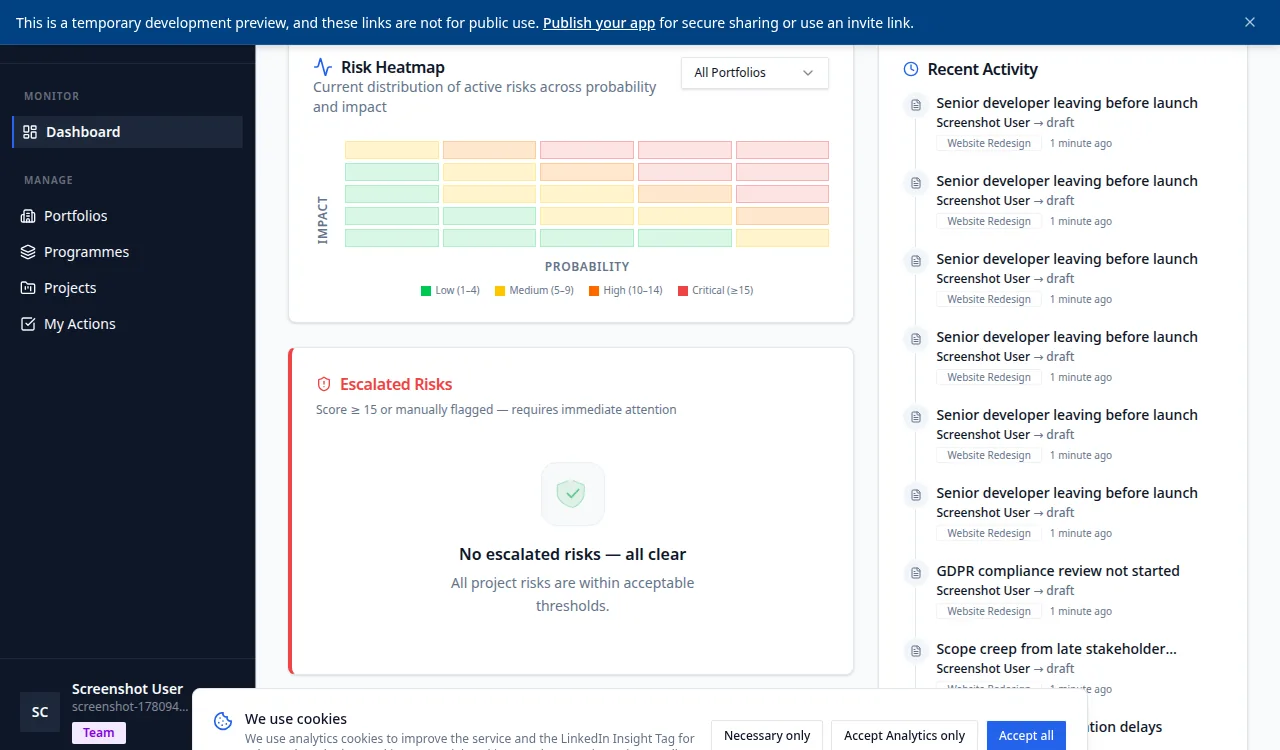
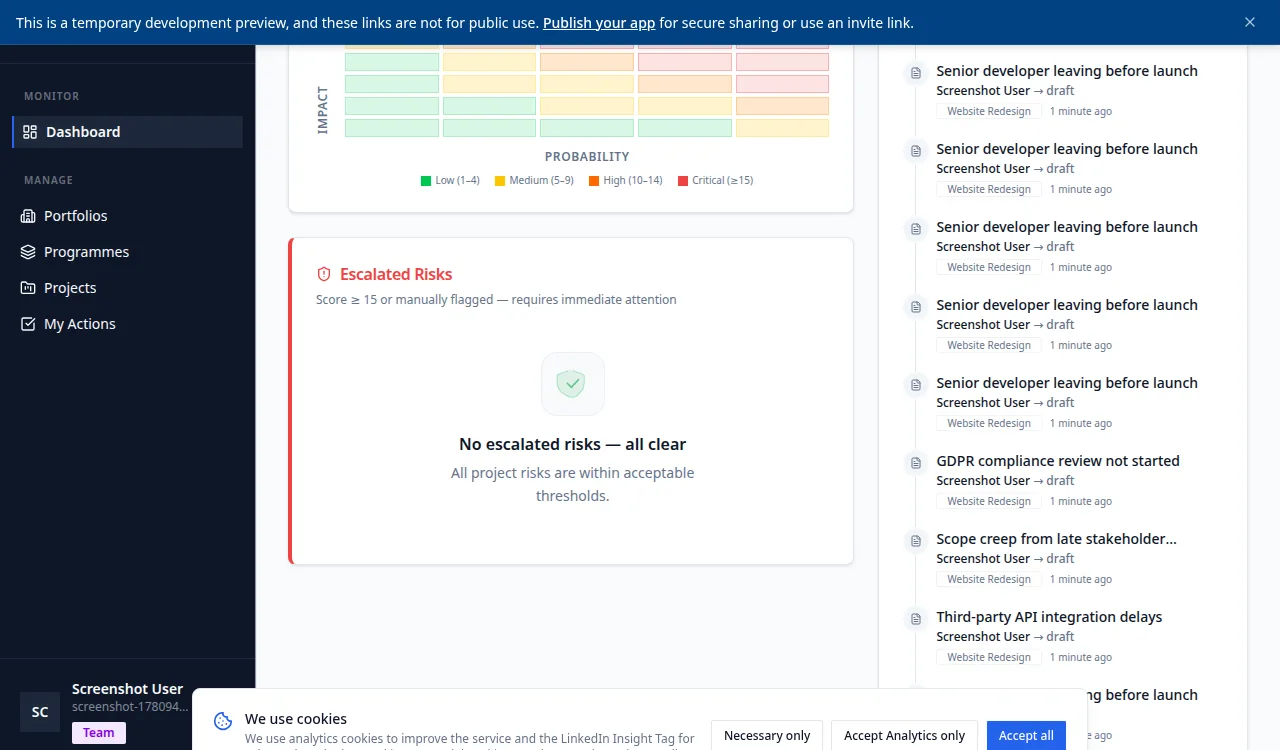
What KinetiRisk does
AI scoring with reasoning
Probability and impact are proposed from a plain-English description, with the reasoning shown. A person reviews and approves the result.
Mitigation planning
Each analysis suggests mitigation actions, with a recommended owner role for each one.
Automatic escalation
A risk scoring 15 or more (probability times impact) is escalated automatically and an email alert is sent. Escalation is threshold-based, not decided by the AI.
Residual risk forecast
The score you can expect once the mitigation actions are complete, so you can see how far the plan has moved the exposure.
Board narrative
A written summary with a RAG status and the top risks, ready to paste into a board pack or steering committee update.
Portfolio view and clustering
Risks roll up from project to programme to portfolio, and related risks are grouped to surface systemic themes.
Mitigation progress tracking
Action status, owner and completion across every project in a programme.
Risk change history
Every change to a risk is recorded with a timestamp and the person who made it.
Response strategies and review reminders
Classify each risk with a PMBOK or PRINCE2 response, and set review dates that remind the owner by email.
Read our risk management blog
Practical insights on AI scoring, escalation workflows, and portfolio governance.
Browse articles →